Introduction: Amazon Payment Reconciliation
Amazon payment reconciliation is the process of comparing Amazon settlement and payment information with a seller's own order and financial records. A transaction may include order proceeds, referral fees, fulfillment-related charges, refunds, adjustments, and other applicable fees or deductions.
Reviewing transactions helps sellers understand how order activity relates to payouts and internal records. Charges and available data depend on factors such as the seller's account, fulfillment method, product or category, transaction, and marketplace, so use the details provided for the relevant account rather than assuming one fee structure applies to every seller.
1. Why Amazon Payment Reconciliation Matters
Amazon settlement reconciliation helps sellers verify expected payouts, identify mismatches, understand marketplace fees, and track refunds and adjustments. Matching orders with settlement transactions supports accurate financial records and helps surface unresolved items for investigation.
Comparing records at the transaction level is useful because an order's gross value and the related net settlement can differ after fees, refunds, timing, or other adjustments. Reconciliation gives sellers a structured way to understand those differences; it does not assume every variance is an error.
2. Amazon Reports and Data Used for Reconciliation
Sellers may use order data, settlement and payout information, transaction details, fees, refunds, and adjustments to reconcile payments. These records provide different parts of the picture: order information describes the sale, while settlement information shows payment activity and related entries.
The exact reports, names, and fields available can vary by Amazon marketplace, account setup, and reporting system. Use the reports available to your account, identify the fields that link orders and transactions, and retain the source records used for each reconciliation period.
3. Amazon Payment Reconciliation Process
- Collect records: Gather the relevant order, settlement, transaction, and payout data for the period.
- Match transactions: Use suitable identifiers, such as the order or transaction reference available in the records.
- Compare amounts: Review order value against the corresponding settlement entries.
- Account for fees: Separate applicable marketplace fees and deductions from order proceeds.
- Match refunds and adjustments: Connect these entries to the related order or transaction where the data allows.
- List unmatched items: Record transactions that are missing, partial, or not yet matched.
- Investigate differences: Check source records, timing, and transaction details before classifying an exception.
- Record results: Maintain the reconciliation outcome and supporting evidence for review.
Comparing only total payout amounts can hide offsetting differences between individual orders, fees, refunds, or adjustments.
4. Common Amazon Payment Reconciliation Issues
Sellers may encounter missing transactions, unexpected fees, refund mismatches, adjustments, duplicate records, unmatched payouts, or differences between order value and net settlement. Timing differences can also occur because order and payment activity do not always appear in the same reporting period. A timing difference alone does not mean that an error occurred.
Keep a list of open items and note what evidence is needed to resolve each one. Check whether a transaction belongs to another period, has a related adjustment, or needs clarification from the available account records.
5. Manual vs Automated Amazon Payment Reconciliation
With a manual process, sellers export reports, combine data in spreadsheets, match transactions, investigate differences, and maintain records of what was reviewed. This can work for a process the team understands, but it requires care with identifiers, formulas, version control, and repeated data entry.
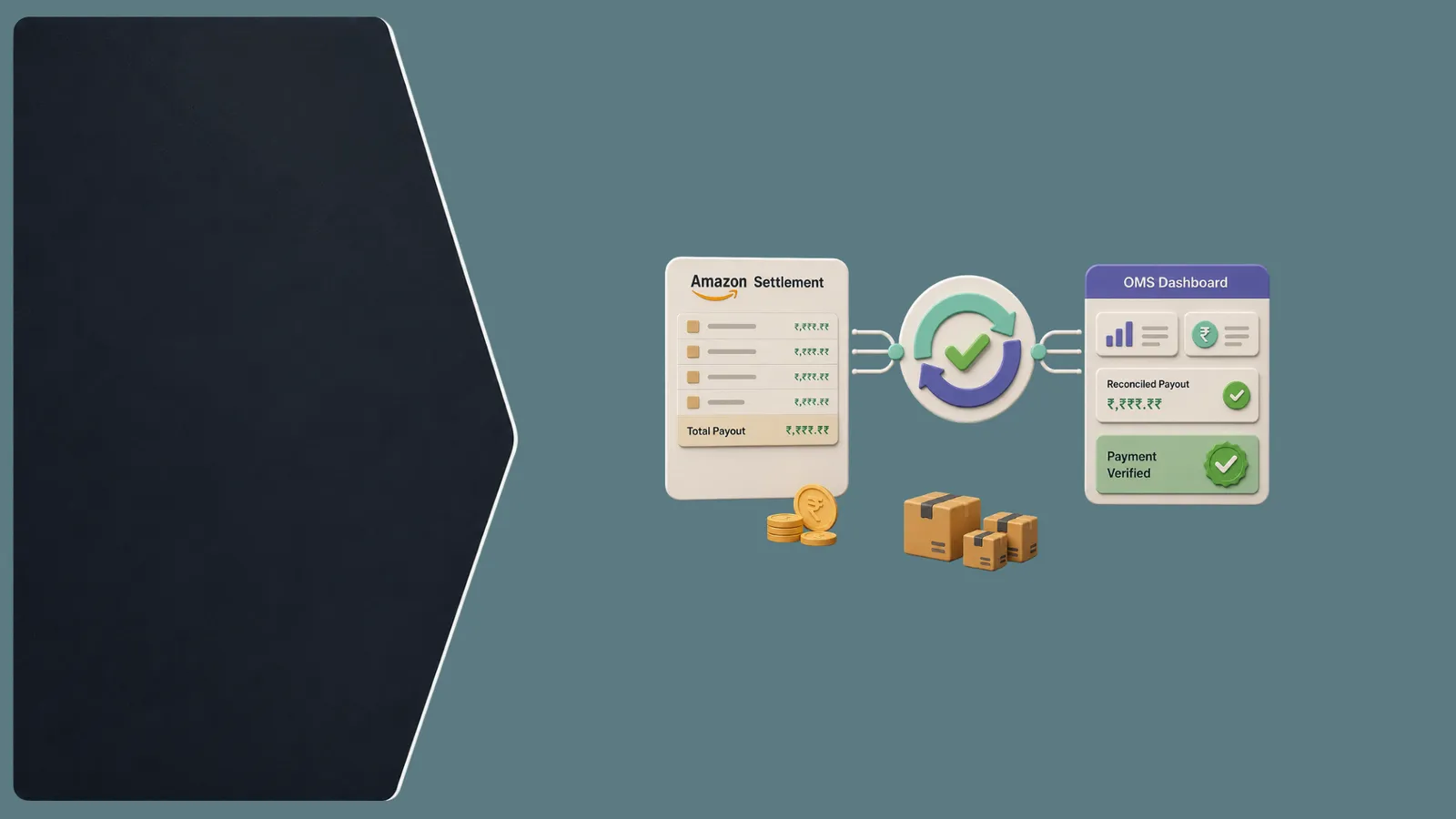
An automated payment reconciliation workflow can import relevant data, match records using configured identifiers or rules, consolidate order and payment information, and flag exceptions for review. Automation can reduce repetitive work, but it does not eliminate every error. Teams still need to validate mappings, investigate exceptions, and maintain accurate source records.
6. Best Practices for Amazon Sellers
- Reconcile regularly rather than waiting until month-end; choose a cadence that fits your transaction volume and team.
- Keep order and transaction identifiers consistent in internal records.
- Separate order proceeds, fees, refunds, and adjustments during review.
- Track unresolved discrepancies with an owner and current status.
- Review unusual deductions against relevant transaction details.
- Keep an audit trail of source data, investigation, and resolution.
- Review high-volume periods carefully, when there may be more transactions and exceptions.
- Compare marketplace records with internal financial and order records.
7. Amazon Payment Reconciliation for Multichannel Sellers
Sellers operating across Amazon, Flipkart, Meesho, Myntra, AJIO, Shopify, and other channels may need to reconcile different order, payment, return, and settlement workflows. Each platform can provide different records and settlement structures, so do not assume that the same matching rules apply everywhere.
Consistent identifiers and documented procedures help teams review channel activity in a comparable way. A centralized operational view can connect orders, payment records, returns, and reconciliation status while preserving each platform's specific transaction details.
8. How Elitesecom Supports Payment Reconciliation
Elitesecom supports multichannel order management, payment reconciliation, return reconciliation, order processing, inventory synchronization, fulfillment operations, reporting, and operational visibility. Its 250+ integrations and Universal API support connections across ecommerce operations, subject to the systems and requirements involved.
Elitesecom can help bring order and reconciliation operations into a more centralized workflow. Sellers should confirm the relevant integrations and data flows for their setup; this article does not claim a specific Amazon settlement automation behavior.
Pro Tip
Reconcile transaction-level data regularly and investigate exceptions instead of relying only on the final payout amount. Keep the source records and resolution notes together for future review.
Key Takeaways
- Match settlement transactions with the related order records.
- Review fees, refunds, and adjustments separately.
- Track unmatched transactions and investigate them with source data.
- Account for settlement timing differences before treating a variance as an error.
- Reconcile regularly using a cadence that fits your operations.
- Maintain an audit trail of records, decisions, and resolutions.
- Automate repetitive reconciliation workflows where appropriate and review exceptions.
- Use centralized reconciliation processes for multichannel operations.