1
How Flipkart Settlements Work
Flipkart pays sellers on a settlement cycle after deducting commissions, shipping charges, return refunds, and penalties. Each settlement file contains hundreds of line items that must be matched against your order management system.
2
Common Flipkart Reconciliation Issues
Sellers frequently face commission calculation errors, missing return credits, shipping fee overcharges, and penalty deductions without clear order mapping. Manual Excel reconciliation breaks down above 500 orders per month.
3
Flipkart Reconciliation with EliteOMS
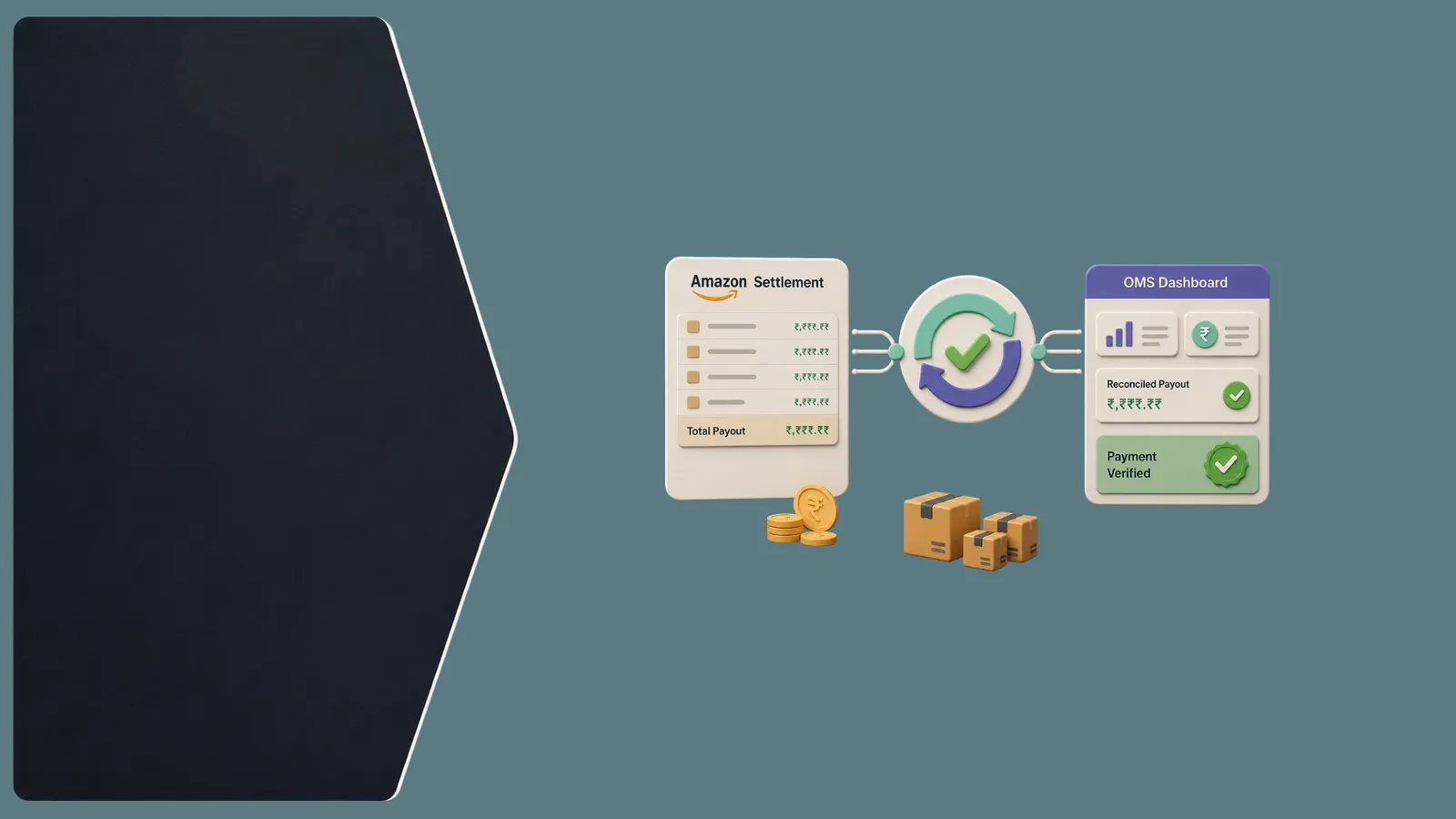
EliteOMS syncs Flipkart orders in real time and auto-matches settlement payouts to order records. Discrepancies are flagged instantly so your team can raise claims before Flipkart's dispute window closes.
Pro Tip
Always reconcile Flipkart returns separately — return refunds often appear in a different settlement cycle than the original order payment.

Key Takeaways
- Understand Flipkart's settlement cycle timing
- Map every deduction to a specific order ID
- Separate payment reconciliation from return reconciliation
- Automate before scaling past 1,000 orders/month
- Recover lost revenue through systematic claim tracking