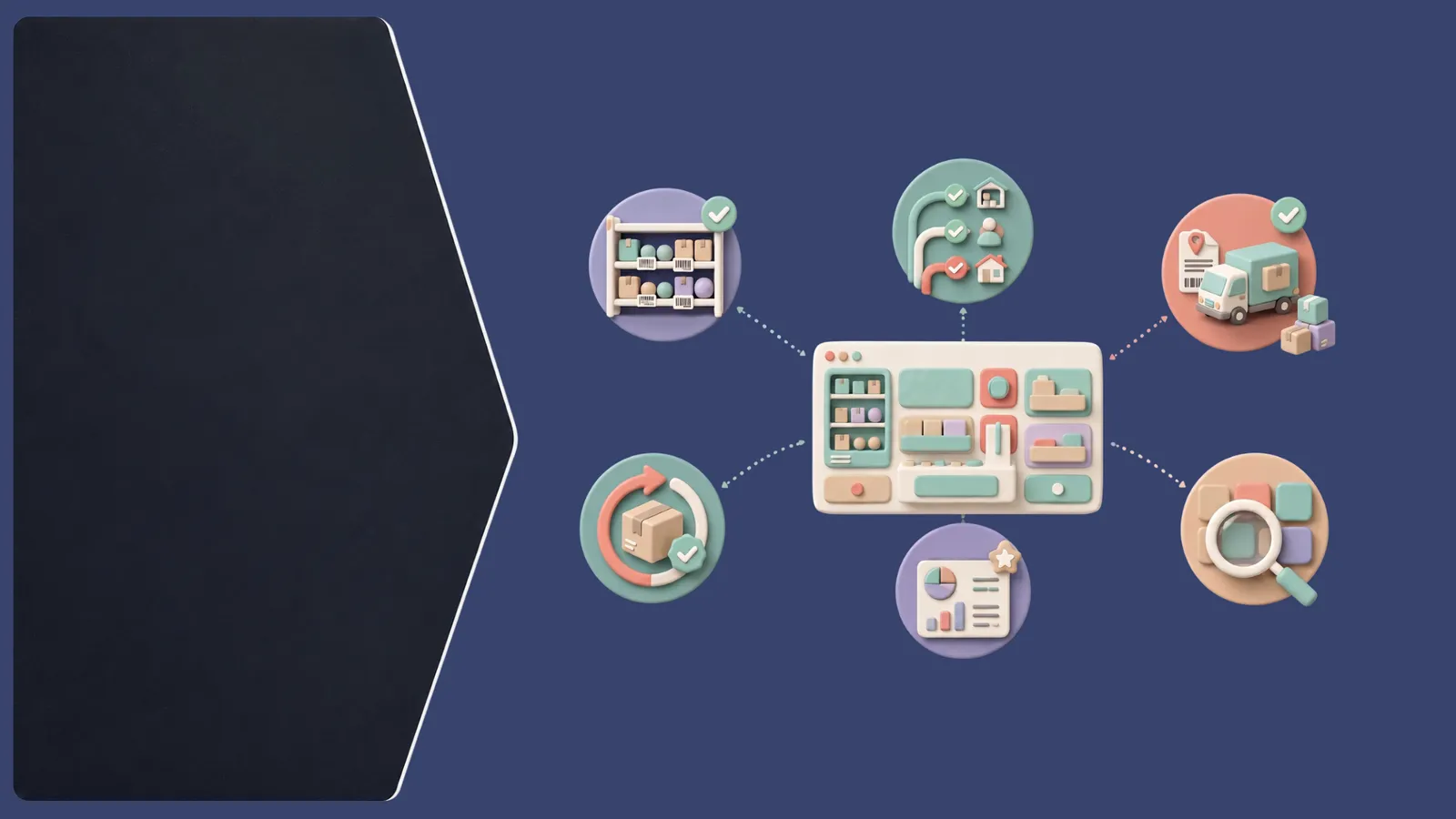
Introduction: OMS Integration with ERP Systems
OMS integration with ERP systems connects an Order Management System, which coordinates ecommerce orders and fulfillment, with an Enterprise Resource Planning system, which manages broader business processes. Ecommerce businesses connect them to share relevant order, inventory, product, fulfillment, return, and financial information across teams.
When sales arrive through marketplaces, a web store, and other channels, order activity can affect inventory, purchasing, finance, and customer operations. ERP and OMS integration can help those functions work from connected information. The exact data and workflow depend on the systems, business rules, and integration design.
What Is OMS-ERP Integration?
OMS ERP integration links the order-management workflow with ERP records and processes. An integration may pass orders from the OMS to the ERP, share product and SKU data, synchronize inventory availability, and return fulfillment or order-status updates. Depending on implementation, return details and relevant financial information such as order totals or payment and reconciliation data may also be exchanged.
Not every integration moves every data type in both directions. Businesses should define which system creates, updates, and owns each record, and when the receiving system needs it. This turns “connect the systems” into clear data flows that can be tested and monitored.
OMS vs ERP: What Each System Manages
An OMS manages orders across channels and coordinates order processing, inventory visibility, routing, fulfillment, and returns. An ERP manages wider business operations, which may include finance, accounting, procurement, supply chain, and other enterprise processes.
The systems can share information without becoming interchangeable. The OMS focuses on the customer order lifecycle and ecommerce order management; the ERP provides broader operational and financial records. A business should decide where each process belongs and avoid maintaining conflicting versions of the same data.
Why Integrate an OMS With ERP?
Connected systems can give ecommerce and back-office teams a more consistent view of orders, inventory, and fulfillment activity. Sharing order information with the ERP can support related finance and procurement workflows, while inventory coordination can help teams understand what is available across operations.
Integration can also reduce repeated data entry and make handoffs between order processing, fulfillment, returns, and accounting more visible. These are workflow benefits, not guaranteed outcomes: they depend on accurate source data, well-defined responsibilities, and reliable integration behavior.
How OMS and ERP Integration Works
Systems commonly exchange information through APIs, connectors, or a middleware layer. The integration maps fields between systems—for example, SKU, order ID, quantity, address, status, tax, or payment reference—so each platform can interpret the data correctly.
Synchronization rules determine what moves, in which direction, and when. Validation checks required fields and allowed values before records are accepted. Error handling should record failed calls, explain the issue, and provide a safe retry or review process. Monitoring helps teams notice delays or mismatches before they disrupt order processing. The design should also account for duplicate messages and changes that arrive out of order.
OMS ERP Integration for Multichannel Ecommerce
Multichannel order management may bring orders from Amazon, Flipkart, Meesho, Myntra, AJIO, Shopify, and other supported sales channels into an OMS. The OMS can coordinate the channel order workflow, while relevant order, product, inventory, and fulfillment data may be shared with the ERP according to the integration rules.
Marketplace requirements and data fields vary, so channel integrations should be evaluated individually. A clear mapping helps teams reconcile channel-specific order identifiers, SKUs, statuses, cancellations, and returns with internal records. This is especially useful when one product is listed in several places or inventory is shared across channels.
Best Practices for OMS and ERP Integration
- Set the source of truth: Decide which system owns each field, such as product data, inventory, orders, or financial records.
- Map SKUs and identifiers: Resolve duplicate, missing, or differently formatted product codes before syncing.
- Define synchronization rules: Specify data direction, timing, status mappings, and which updates take priority.
- Test real scenarios: Include new orders, edits, cancellations, partial fulfillment, returns, and retries.
- Monitor data flows: Track delays, failures, duplicates, and records that need attention.
- Plan error handling: Make errors visible and give teams a process to correct and safely replay them.
Document these decisions so ecommerce, finance, operations, and technical teams share the same expectations.
Common OMS-ERP Integration Challenges
SKU mismatches can prevent product and inventory records from lining up. Duplicate orders may appear when retries or repeated messages are not recognized. Inventory discrepancies can arise when systems update on different schedules or apply different availability rules.
Failed API calls need monitoring and a safe recovery path. Return and fulfillment statuses may also use different labels across systems, so status mapping should be explicit. Testing these cases and assigning ownership for investigating exceptions makes integration issues easier to resolve.
How Elitesecom Fits OMS-ERP Integration
Elitesecom supports multichannel order management, marketplace and ecommerce integrations, inventory synchronization, order processing, fulfillment coordination, returns management, payment reconciliation, and return reconciliation. Its Universal API and 250+ integrations can support connections across ecommerce operations, subject to the specific systems and integration requirements. Elitesecom is an OMS layer for order operations; it is not an ERP and does not replace an ERP. Businesses should confirm the data flows and responsibilities supported in their intended setup.
Pro Tip
Before connecting systems, write down which platform owns each important record and what should happen when a sync fails. Clear ownership and recovery steps make the integration easier to operate.

Key Takeaways
- An OMS coordinates orders and fulfillment; an ERP manages broader business processes.
- OMS ERP integration can connect order, product, inventory, fulfillment, return, and relevant financial data.
- The data shared and its direction depend on the systems and integration design.
- APIs and connectors rely on accurate field and SKU mapping.
- Synchronization rules should define timing, ownership, and status mappings.
- Testing should include duplicates, failures, cancellations, fulfillment, and returns.
- Monitoring and error handling help teams detect and resolve integration issues.
- Multichannel sellers should validate each marketplace and ecommerce integration they use.
- Elitesecom supports order operations and integrations but does not replace an ERP.