1
Key Concepts
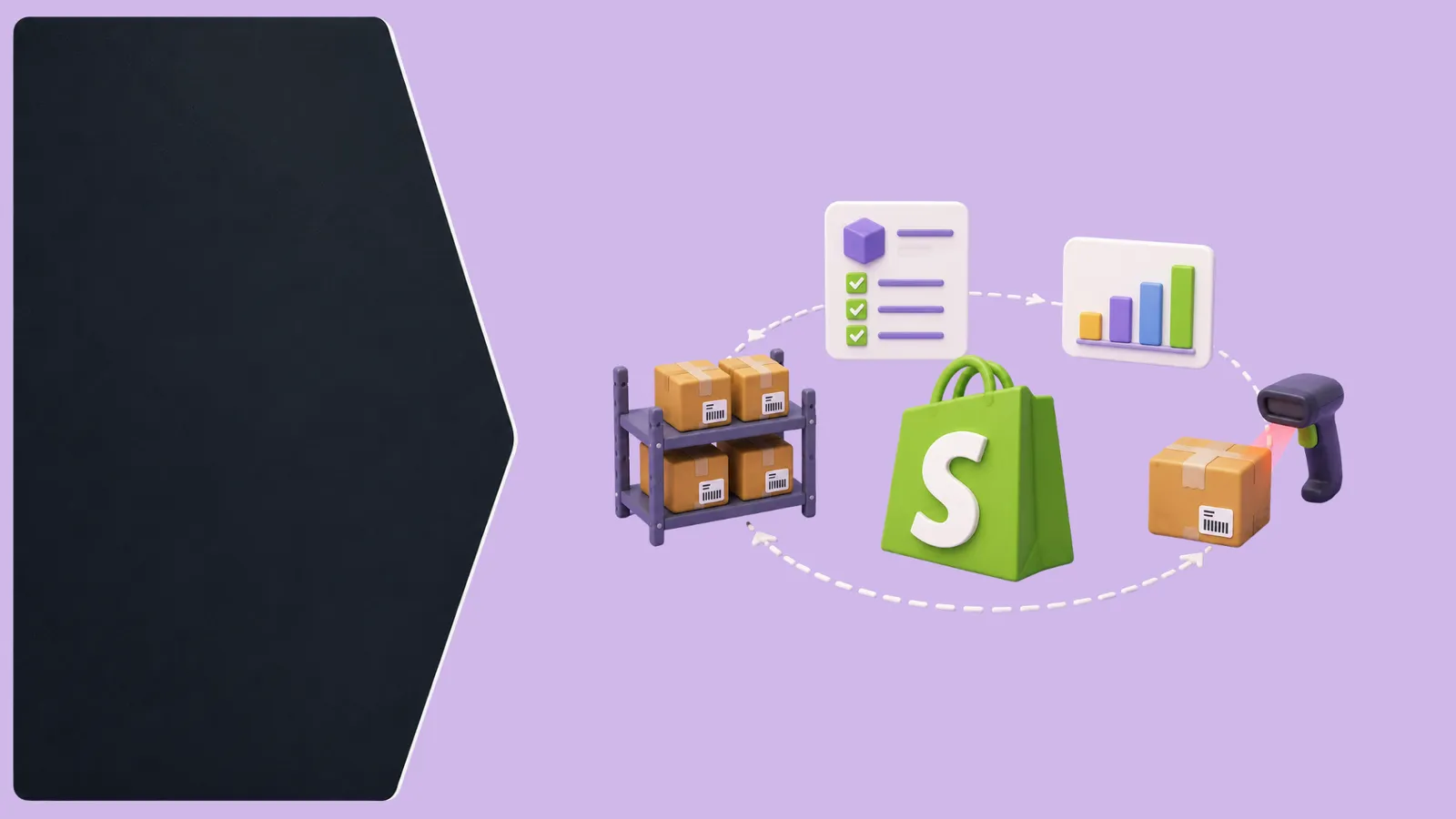
Shopify tracks inventory accurately for orders placed directly through your store, but it has no native awareness of stock committed elsewhere unless explicitly connected. A brand selling on Shopify plus even one marketplace needs a system that treats Shopify as one sales channel among several, not the single source of truth — otherwise, a marketplace sale won't decrement Shopify's count, and vice versa, creating the exact overselling risk multi-channel sellers most want to avoid.
2
Best Practices
Use Shopify's location feature properly if you have multiple warehouses or fulfillment points — treating all stock as one undifferentiated pool causes fulfillment routing errors. Set low-stock alerts meaningfully below your actual reorder point (not at zero), so there's time to act before a stockout, not after. If selling on any other channel alongside Shopify, connect real inventory sync rather than relying on manual updates or Shopify's app-store integrations that update on a delay.
3
Implementation
Check whether your current inventory count in Shopify matches your actual physical stock right now — for most multi-channel sellers, it doesn't, and that gap is exactly what causes overselling. From there, a proper OMS syncs Shopify with every other channel in real time so a sale anywhere updates stock everywhere, rather than treating Shopify as an isolated system.
Pro Tip
Shopify's own inventory tools are excellent for what they're built for — a single-channel store. The moment you add a second channel, inventory management becomes a cross-platform problem, not a Shopify problem.
Key Takeaways
- Shopify has no native awareness of stock sold on other channels unless connected
- Use Shopify's location feature correctly if managing multiple warehouses
- Set low-stock alerts well before your actual reorder point
- Check for a live mismatch between Shopify's stock count and physical inventory
- Sync inventory in real time the moment you sell on more than just Shopify