Introduction: Lost Orders During Sale Events
Lost orders during sale events can happen when demand, inventory, technology, and fulfillment are not coordinated. Promotions bring operational pressure as stock moves quickly and teams process more orders.
Orders may be missed or delayed because inventory is unavailable, a listing has an error, processing falls behind, checkout has an issue, or fulfillment reaches a capacity constraint. The cause determines the right response.
The Sale Event Challenge
During Amazon, Flipkart, or Meesho sale periods, sellers coordinate changing stock, listings, incoming orders, customer questions, and warehouse work. Volume and timing vary, so use your channel history and operating capacity to plan.
Peak season ecommerce depends on reliable information between marketplace order management, inventory, processing, and fulfillment workflows. A gap in one area can delay an order or affect customer experience.
Why Sellers Lose Orders During Sale Events
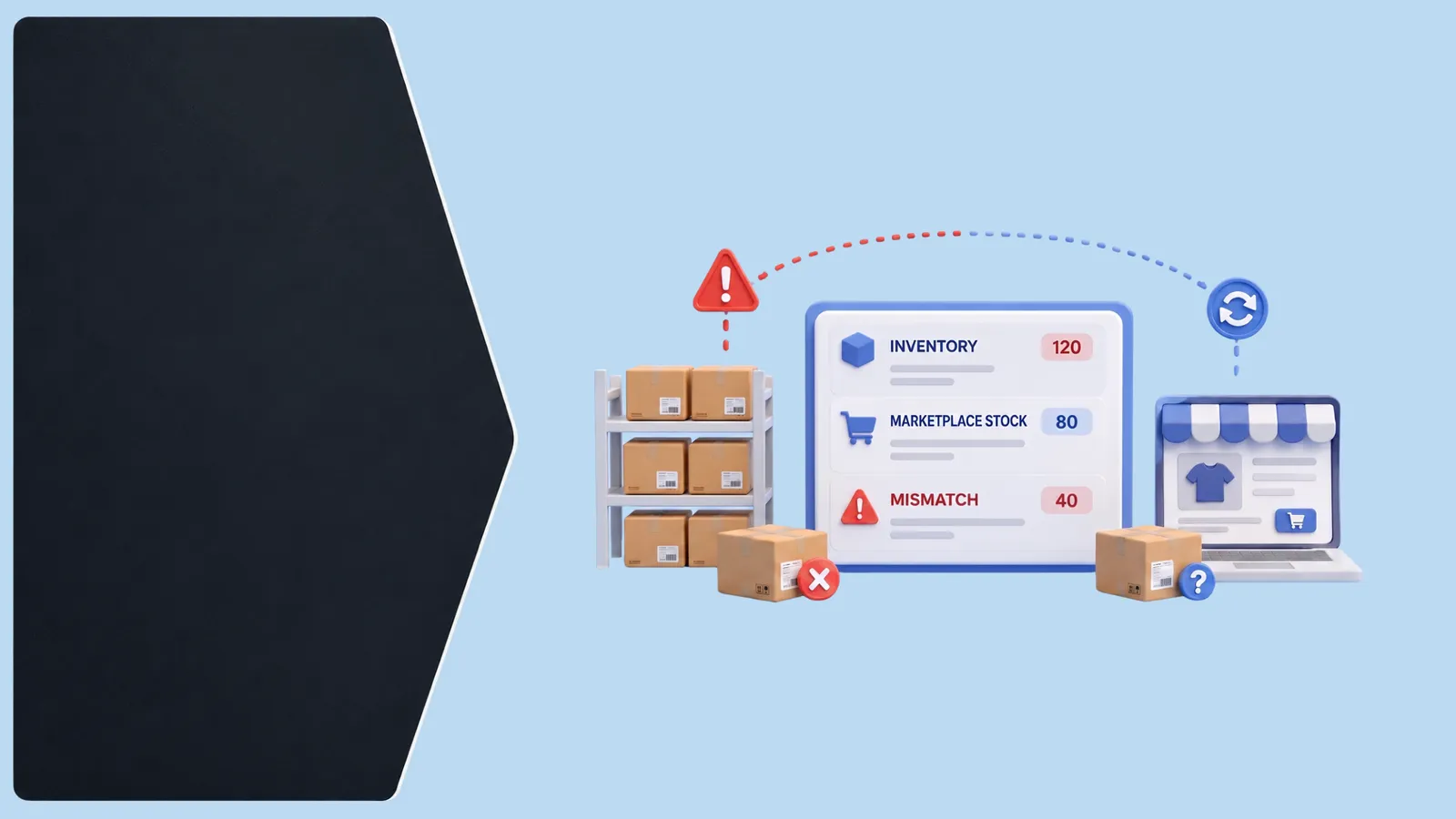
Inventory sync delays can leave a product appearing available after sellable stock has changed elsewhere, contributing to stockouts, overselling, or cancellations. Inaccurate SKU mapping and catalog errors may also show the wrong product or variant.
Other causes include pricing mistakes, delayed order acceptance, checkout issues, fulfillment constraints, and manual work such as copying orders or updating stock separately. Poor coordination can leave exceptions unnoticed. Find where an order stopped progressing before choosing a fix.
Inventory Problems During Peak Sales
Sale event inventory management requires knowing what is available, reserved, inbound, damaged, or committed. A total stock figure without location or channel context may not be enough when channels share inventory.
Centralized visibility and inventory synchronization can help teams use consistent stock information where supported. Check SKU mappings, fulfillment locations, and how stock changes reach each connected channel; update behavior can vary by setup.
Order Processing and Fulfillment Bottlenecks
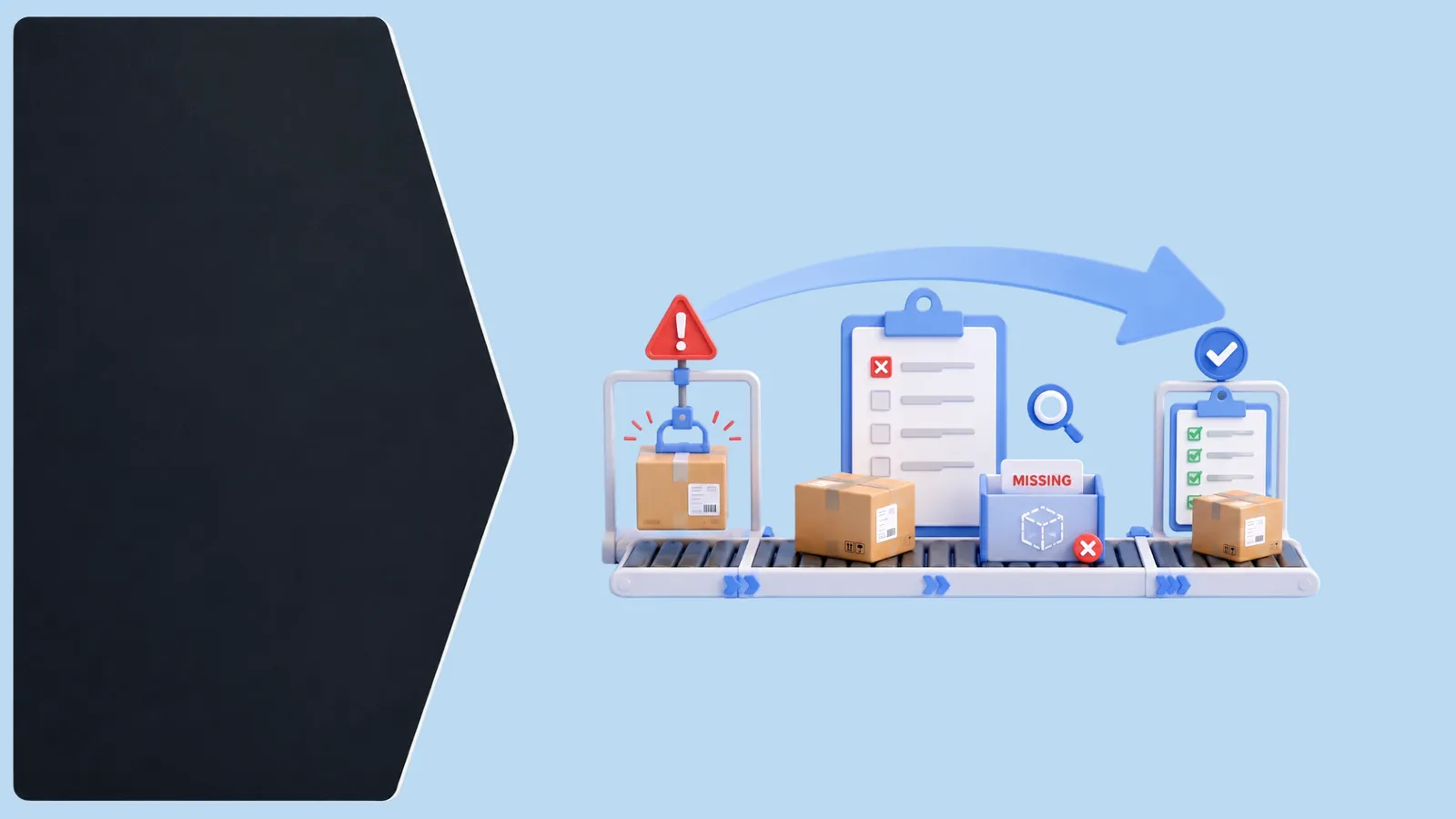
As orders rise, delays can appear at acceptance, verification, picking, packing, shipping, or status updates. Reviewing separate seller panels and copying orders manually can slow prioritization. Warehouse teams need clear pick lists, product identification, packing checks, and shipping handoffs.
Map the flow from order receipt to dispatch. Assign owners for inventory mismatches, address issues, payment exceptions, and unavailable items. Make sure staff know how to pause or escalate an order that cannot be fulfilled as expected.
How to Prepare for Sale Events
Build a preparation plan around the event, channels, catalog, and fulfillment setup:
- Review sellable, reserved, and inbound inventory, including constrained products.
- Verify listings, variants, images, descriptions, and promotional pricing on each channel.
- Check marketplace connections and confirm order and inventory flows.
- Review warehouse, carrier, and staff capacity; document constraints and contingencies.
- Walk through order receipt, stock updates, cancellations, picking, packing, dispatch, and returns.
- Assign team responsibilities, shift handoffs, and an escalation path.
- Monitor incoming orders, stock changes, processing queues, and exceptions during the event.
Choose preparation timing based on the work involved, supplier lead times, past event experience, and channel requirements. There is no single calendar that fits every seller. The goal is to give teams enough time to verify their own workflows and resolve known gaps.
How an OMS Helps During Sale Events
An order management system (OMS) can centralize orders from connected channels. Depending on configuration and integrations, it may support multichannel order management, inventory synchronization, processing, fulfillment visibility, and reporting.
Teams can use that view to check status, identify exceptions, coordinate fulfillment, and review reconciliation information. An OMS complements accurate listings, stock controls, and capable fulfillment processes; its value depends on the connected setup.
How Elitesecom Helps
Elitesecom supports multichannel order management, inventory synchronization, order processing, fulfillment operations, payment and return reconciliation, and reporting. Its Universal API and 250+ integrations support connections subject to the relevant integration and setup.
Elitesecom is an OMS that can provide visibility across supported workflows. Confirm that the channels and processes needed for your sale event are supported in your setup.
Sale Event Readiness Checklist
- Inventory counts and SKU mappings reviewed
- Listings, variants, and promotional details checked
- Marketplace connections and order flows verified
- Fulfillment capacity and responsibilities agreed
- Exception owners and escalation contacts documented
- Order, stock, and fulfillment monitoring assigned
- Post-event returns and issue review planned
Frequently Asked Questions
Why do sellers lose orders during sale events?
Inventory mismatches, stockouts, listing errors, processing delays, checkout issues, and fulfillment constraints are common causes.
How can sellers prevent stockouts during sales?
Review sellable and reserved stock, map SKUs consistently, and monitor inventory across channels.
How does an OMS help during peak ecommerce periods?
It can centralize connected orders and support inventory, processing, fulfillment, and reporting workflows.
How should sellers prepare inventory for a sale event?
Review sales history, available stock, replenishment, and channel commitments, then define how to handle exceptions.
How can multichannel sellers manage orders during peak sales?
Use consistent workflows, clear responsibilities, reliable inventory records, and shared order visibility across supported channels.
Pro Tip
Before a major sale, review inventory, listings, integrations, and fulfillment handoffs together. Assign someone to monitor order and stock exceptions so the team can investigate issues while the event is active.

Key Takeaways
- Sale event order issues can come from inventory, listings, processing, payments, technology, or fulfillment.
- Review stock availability and SKU mapping across connected sales channels.
- Verify listings, variants, and promotional details before an event.
- Standardize order acceptance, picking, packing, shipping, and exception handling.
- Check the integrations and workflows that are part of your actual setup.
- Assign clear monitoring and escalation responsibilities during peak sales.
- An OMS can support centralized order and inventory visibility when configured for the channels in use.
- Use event results to find and improve the specific bottlenecks in your operation.