1
Key Concepts
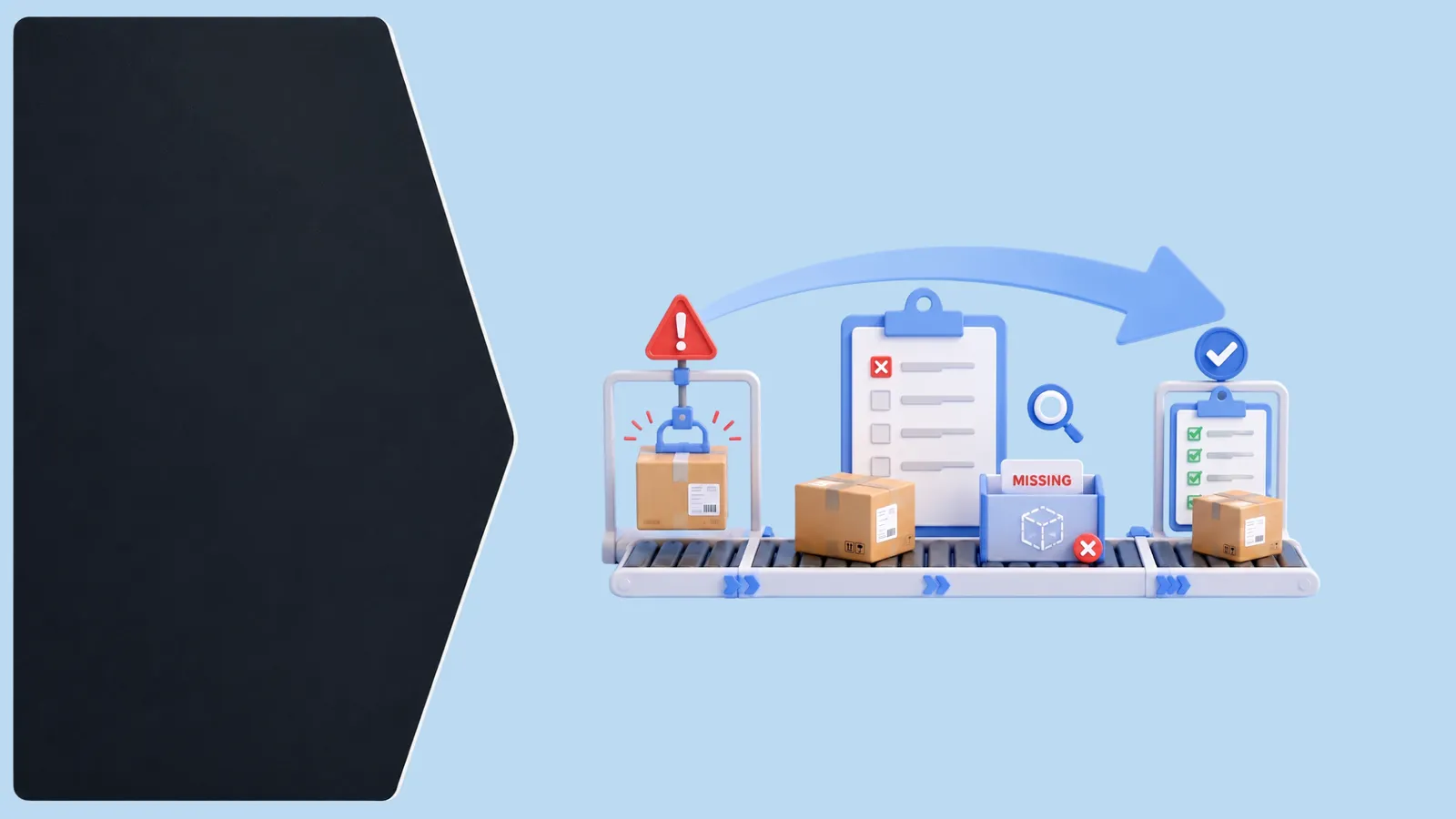
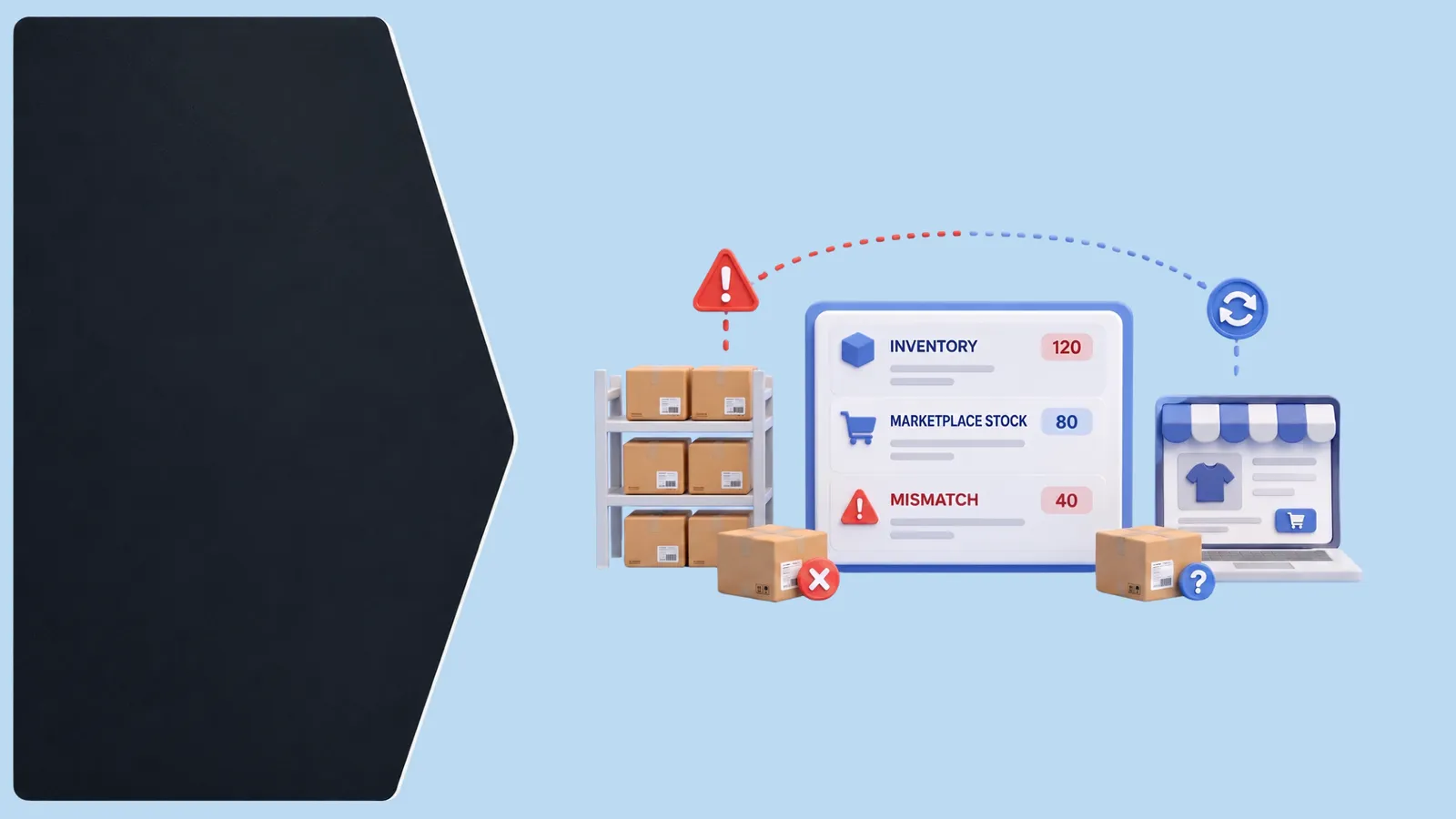
Inventory mismatches almost always trace back to one of three causes: unsynced multi-channel sales (a unit sold on one platform hasn't yet decremented stock shown on others), unrecorded damage or loss (items removed from sellable stock without a corresponding system update), or manual count errors during receiving or cycle counts. Treating a mismatch as 'the system is wrong' without identifying which of these three caused it means the same gap reappears repeatedly.
2
Best Practices
When you find a mismatch, trace it back to one of the three causes before adjusting the count — this tells you whether to fix a sync process, a damage-reporting process, or a counting process, not just the number itself. Run cycle counts on your top-selling SKUs more frequently than your long tail, since mismatches on high-velocity items cause the most damage (oversold orders) the fastest. Record damage and loss at the moment it happens, not in a batch update days later.
3
Implementation
Pick your 10 highest-velocity SKUs and do a physical count against system count today — this quickly reveals whether you have a sync problem, a damage-reporting gap, or a counting process issue. Real-time inventory sync across every channel addresses the most common cause (unsynced multi-channel sales) directly, while a simple damage-logging habit closes the second.
Pro Tip
A mismatch on a slow-moving SKU is an annoyance; the same mismatch on your best-seller is what causes an oversold order and a cancelled customer purchase — prioritize accuracy where it matters most.
Key Takeaways
- Mismatches trace back to unsynced sales, unrecorded damage/loss, or counting errors — identify which
- Fix the underlying process, not just the number, when you find a gap
- Cycle count high-velocity SKUs more often than the long tail
- Log damage and loss immediately, not in a delayed batch
- Real-time sync addresses the most common cause of mismatches directly