1
Key Concepts
Each marketplace — Amazon Seller Central, Flipkart Seller Hub, Meesho Supplier Panel, and Shopify's admin — has its own order queue, its own inventory count, and its own SLA rules. A seller manually checking all four risks two specific failures: overselling the same SKU across platforms before stock updates everywhere, and missing an order confirmation window on one platform while focused on another. Neither shows up as a single big mistake — they show up as a slow leak of cancelled orders and lowered seller ratings across every platform at once.
2
Best Practices
Set a single source of truth for inventory count — one system every platform reads from and writes to, not four separate spreadsheets or panels. Confirm orders on a fixed schedule (e.g., every 2 hours) across all four platforms rather than reactively, so no single marketplace's SLA window gets missed while you're focused on another. Watch each platform's fulfillment-rate metric separately — Amazon, Flipkart, and Meesho each penalize missed SLAs differently, and a good score on one doesn't protect you on another.
3
Implementation
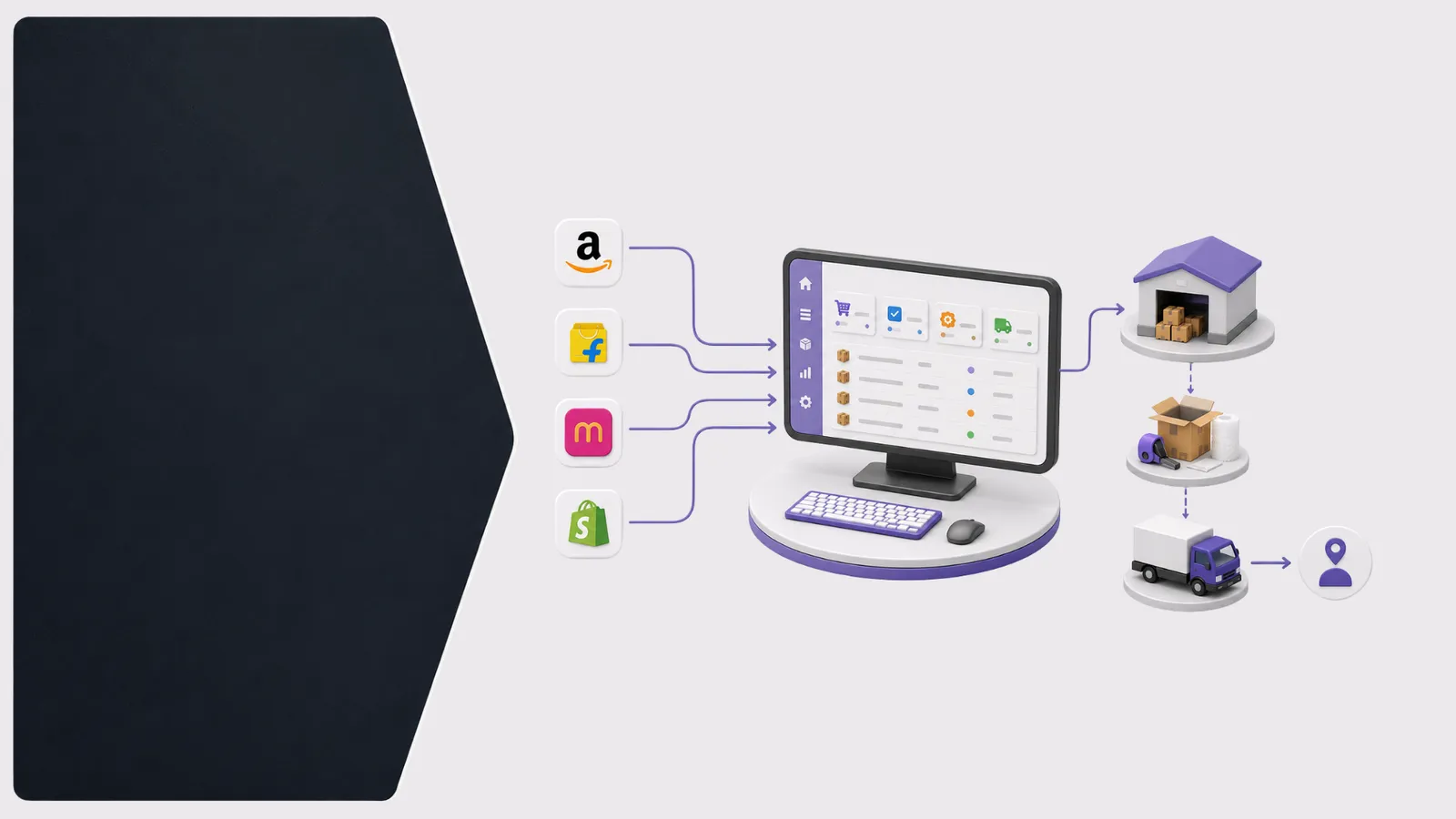
Start by logging into all four seller panels on the same day and noting your current stock count for your 10 best-selling SKUs on each — in most cases, at least one of the four will already be out of sync with the others. That gap is exactly what causes overselling. From there, a unified order management system connects to all four marketplace APIs directly, syncing inventory in real time so a sale on Shopify instantly updates stock on Amazon, Flipkart, and Meesho simultaneously, and pulls every order into one queue so nothing gets missed regardless of which platform it came from.
Pro Tip
The most common multi-channel mistake isn't picking the wrong platform to focus on — it's assuming your inventory numbers already match across all four. Check that first, before anything else.
Key Takeaways
- Use one inventory source of truth across all four platforms, not four separate counts
- Confirm orders on a fixed schedule so no single marketplace's SLA window gets missed
- Track each platform's fulfillment rate separately — a good score on one doesn't protect the others
- Check for inventory mismatches across platforms before assuming stock is accurate
- Sync inventory in real time once you're managing more than 2 marketplaces simultaneously